Sandtris
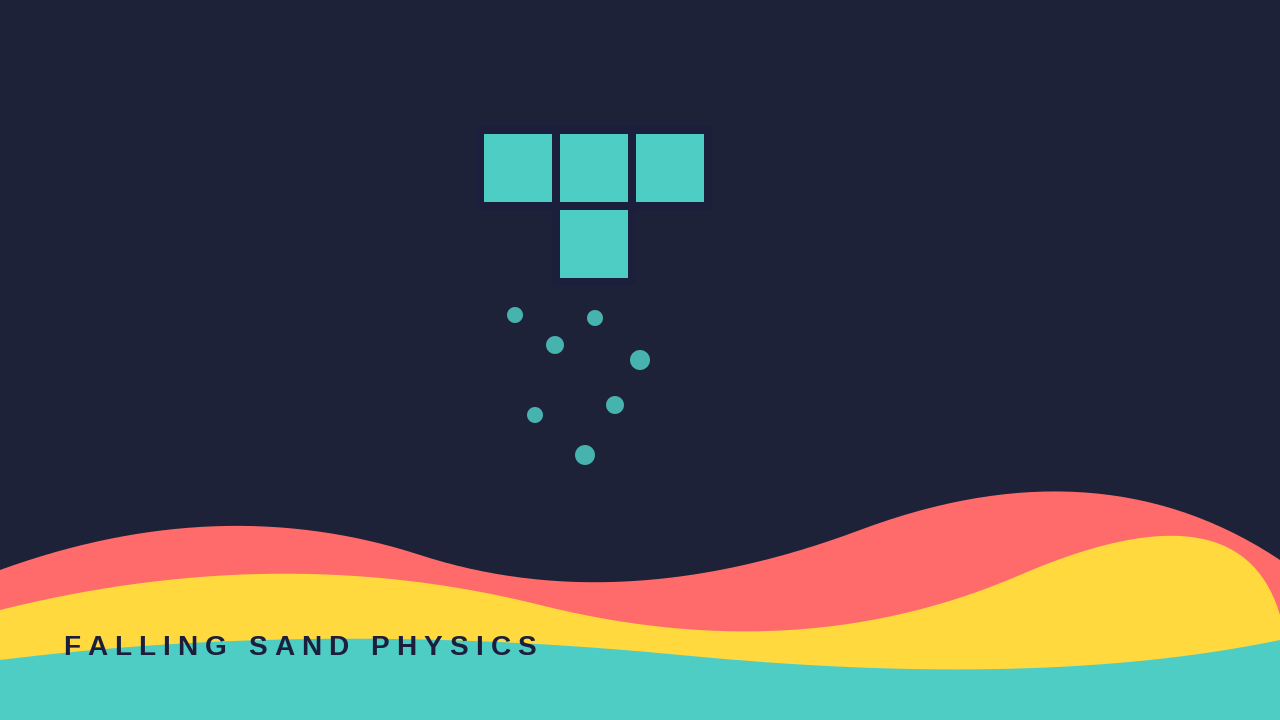
Indie gameFalling blocks crumble into thousands of physics-driven sand grains—connect matching colors from left wall to right wall to clear the board.
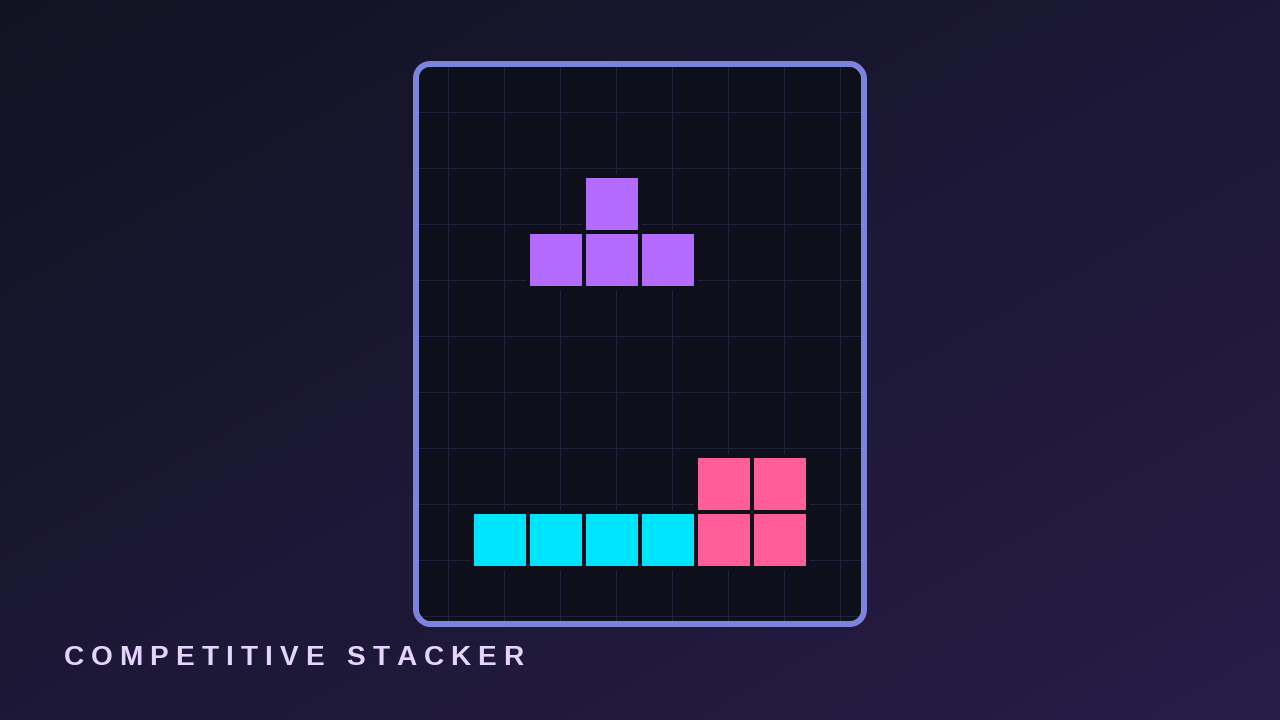
Modern competitive block-stacker in the browser with customizable handling, 40-Line Sprint, Quick Play towers and ranked Tetra League.
Jump straight into solo 40-Line Sprint (clear 40 lines as fast as possible), Blitz (two-minute score attack), Zen endless practice, or Quick Play’s towering multiplayer climb where eliminated players scale a shared spire.
Competitive players graduate to Tetra League—ranked 1v1 matchmaking where T-spins, back-to-back clears and combo chains send garbage lines across to your opponent in real time.
Built by developer osk as a high-performance WebGL modern stacker, TETR.IO has become the standard browser arena for competitive falling-block play, supporting ultra-low-latency keyboard handling and worldwide matchmaking.
Made by osk.
Runs free in any modern desktop browser at tetr.io (a guest nickname works for solo modes and Quick Play; a free account unlocks ranked Tetra League and global leaderboards).
| Left / Right | Shift piece horizontally |
|---|---|
| Up / X and Z | Rotate clockwise / counter-clockwise |
| Space | Hard drop immediately |
| Down | Soft drop |
| C or Shift | Hold current piece |
Default movement settings feel comfortable on day one, but lowering ARR (Auto Repeat Rate) and trimming DAS (Delayed Auto Shift) slightly in Config → Handling is the single quickest way to shave tens of seconds off your 40-Line Sprint time.
Practice in Zen mode for five minutes after every small handling tweak so your muscle memory adjusts without misdrops under pressure.
| Handling parameter | What it controls |
|---|---|
| DAS (Delayed Auto Shift) | How long you hold Left/Right before the piece starts sliding rapidly. |
| ARR (Auto Repeat Rate) | How fast the piece moves once DAS kicks in—0ms snaps instantly to the wall. |
| SDF (Soft Drop Factor) | How fast holding Down drops a piece; higher values speed up T-spin setups. |
No account is needed for solo 40-Line Sprint, Blitz, Zen or anonymous Quick Play; a free account unlocks ranked Tetra League and leaderboards.
DAS is the hold delay before side movement repeats, and ARR is the repeat speed. Tuning them in Config → Handling dramatically improves speed.
Yes. Create a private Custom Room and share the room link so friends can join directly in their browser tabs.
Sources: tetr.io. Last checked .
Falling blocks crumble into thousands of physics-driven sand grains—connect matching colors from left wall to right wall to clear the board.
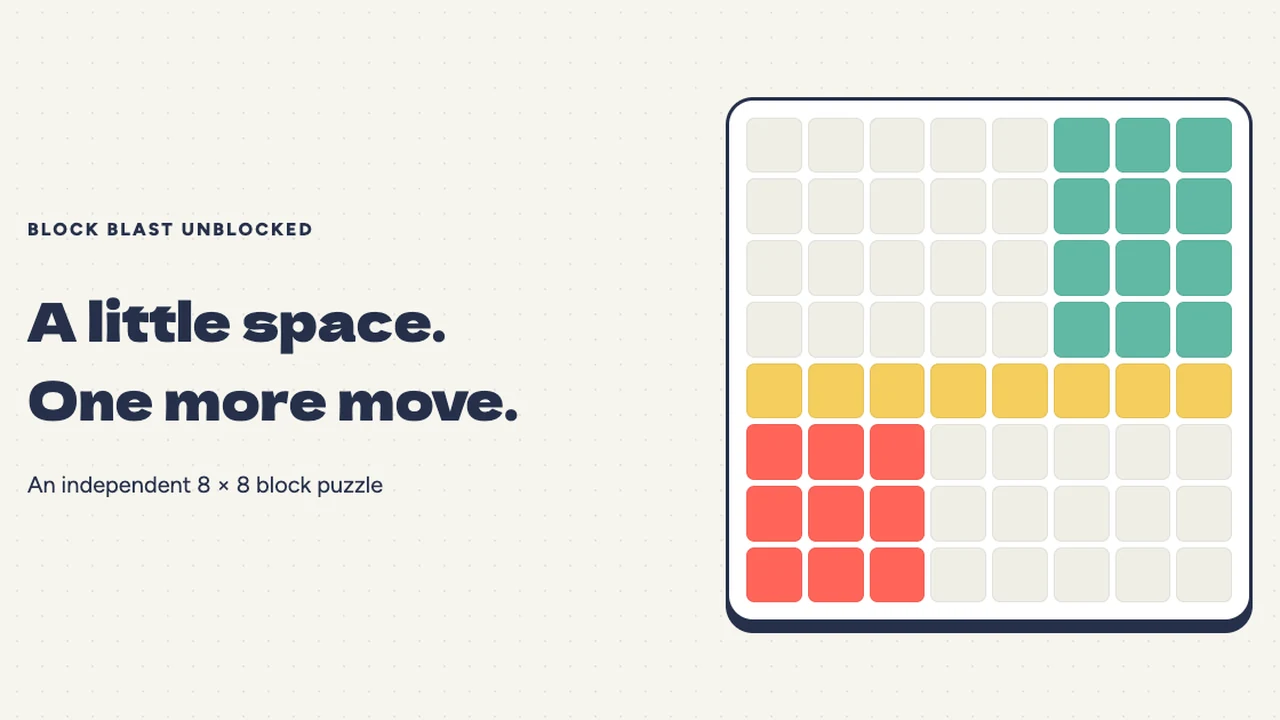
Fit three tray shapes onto an 8×8 board, clear complete lines and plan consecutive clears for combos.
Match free tiles on a classic Turtle board. Play at your own pace with hints, undo and fullscreen.
Practice distinct spacebar presses over a timed round, or switch to a separately labeled tap-and-click test.