Dino Game
Indie gameJump a little dinosaur over cacti as the desert scrolls faster. See how far you can run.
Run 3
Play on coolmathgames.com ↗Opens the Coolmath Games edition. Use a keyboard to steer and jump. Opens on coolmathgames.com in a new tab. Check the setup notes below before starting.
Run through space tunnels, jump over gaps and rotate onto the walls. Learn the difference between Explore and Infinite mode.
The runner moves forward through tunnels automatically. Cross a wall seam to make the wall your floor, or jump over gaps where the current surface ends.
Joseph Cloutier designed and programmed Run 3. The in-game credits list Alex Ostroff and Joseph Cloutier for art and animation, and Jesse Valentine for music. This guide covers the HTML version on Coolmath Games.
Made by Joseph Cloutier.
Open Coolmath Games, let the player load and click inside the game to give it keyboard focus. On a fresh save, choose Play to enter the opening tutorial.
| Left / Right | Steer around the tunnel |
|---|---|
| Space / Up | Jump |
| Pause icon | Open the pause menu |
If the main menu only shows Play, the game is still in its tutorial. To skip it, open the gears on the title screen, then the information icon. The credits explain how to skip to Level 4 from the Galaxy Map. After viewing the credits, return to the title screen to see the Explore and Infinite buttons.
Explore advances through numbered tunnels and branches as you finish stages. Use it to learn a tunnel before committing to a long run. After a fall, make one change to the route, such as rotating onto the next wall earlier.
In the opening blue tunnel, some gaps cut across all four walls. Jump across those. When a hole cuts through just one surface, steer onto a connected wall while you still have solid ground. Give yourself a moment to line up the new floor as the camera rotates.
Coolmath’s controls allow a short tap of Up for a small jump or a longer hold for a wider gap. Practice both before changing characters. The pause menu shows the current level, and the map becomes available as you progress.
Infinite chains tunnel segments into a distance run and scatters power cells along the way. The counter tracks meters. When a fall ends the run, the results show your distance and whether you set a best. Coolmath also documents a power-cell continue option with another character when offered.
Follow an uninterrupted lane when you can. Pick up cells on a safe line and skip a cell when reaching it would leave you without a clear landing. Choose a character whose jump and steering you already know from Explore.
Open the current HTML version on Coolmath Games.
Explore is the progression through levels and branches. Infinite is a distance run with power cells.
A fresh save starts with the tutorial. The information icon in Settings opens the credits, which explain the option to skip to Level 4 on the Galaxy Map. Return to the title screen to see the mode buttons.
Steer across a seam from your current floor onto a connected wall. The view turns and the new wall becomes the floor.
Sources: coolmathgames.com. Last checked .
Jump a little dinosaur over cacti as the desert scrolls faster. See how far you can run.
Steer the snake to collect food and grow. Keep a path open as the board gets crowded.
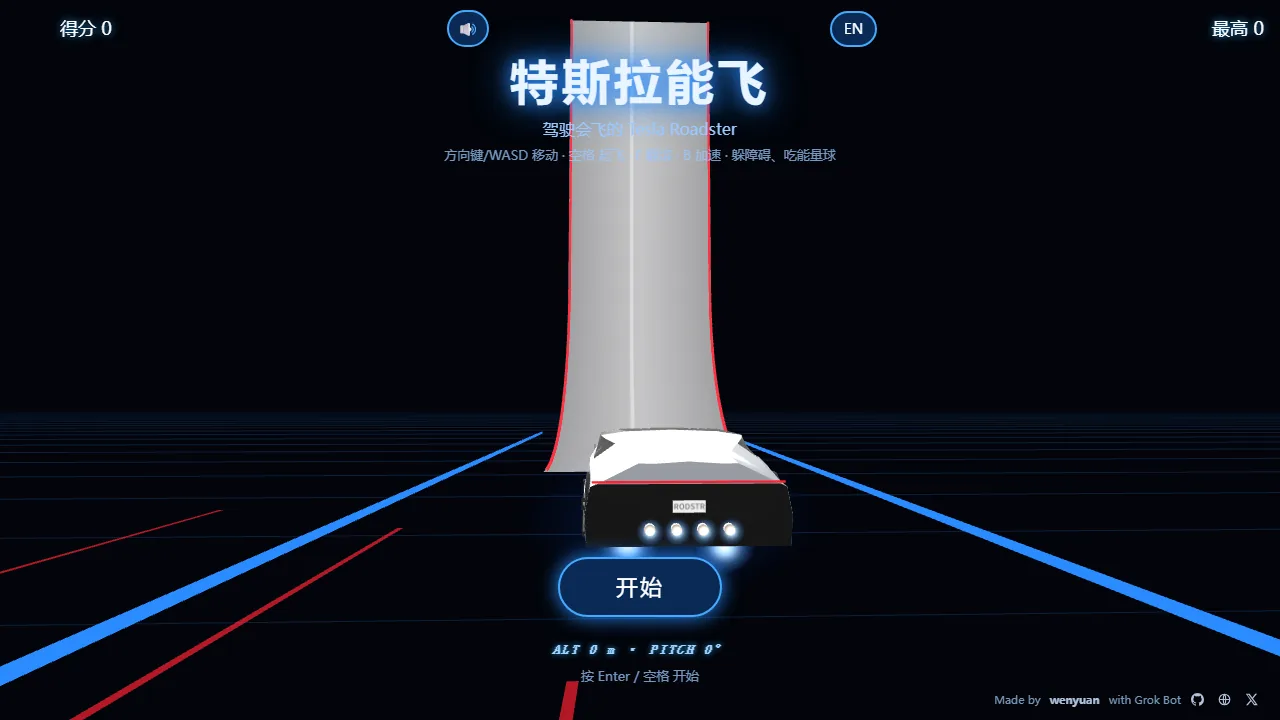
A flying-Roadster runner in the style of the viral jump games: click or press any key to hop, chase distance in a car that leaps over the traffic. Made by wenyuan with Grok Bot.
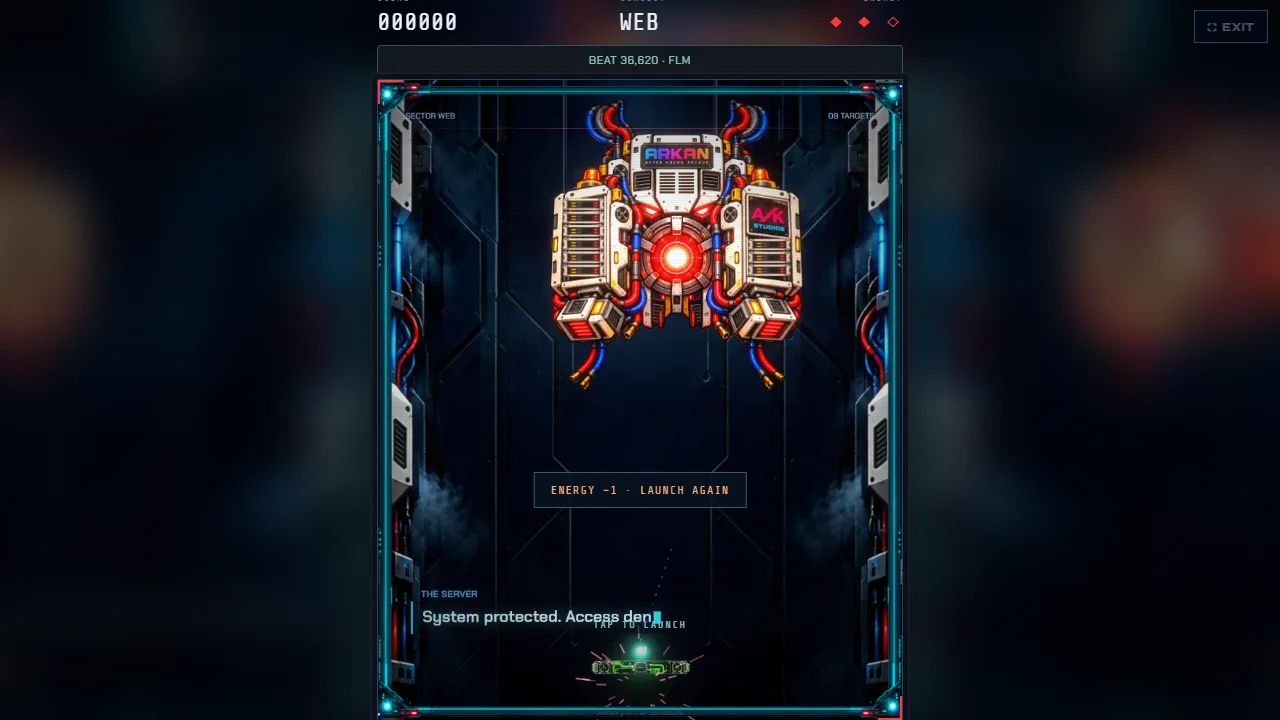
Keep the ball in play and break through a giant robot server in a three-phase arcade boss encounter.