Fog Kingdom
Indie gameGather resources, craft equipment and build defenses around a keep while monster waves arrive through the fog.
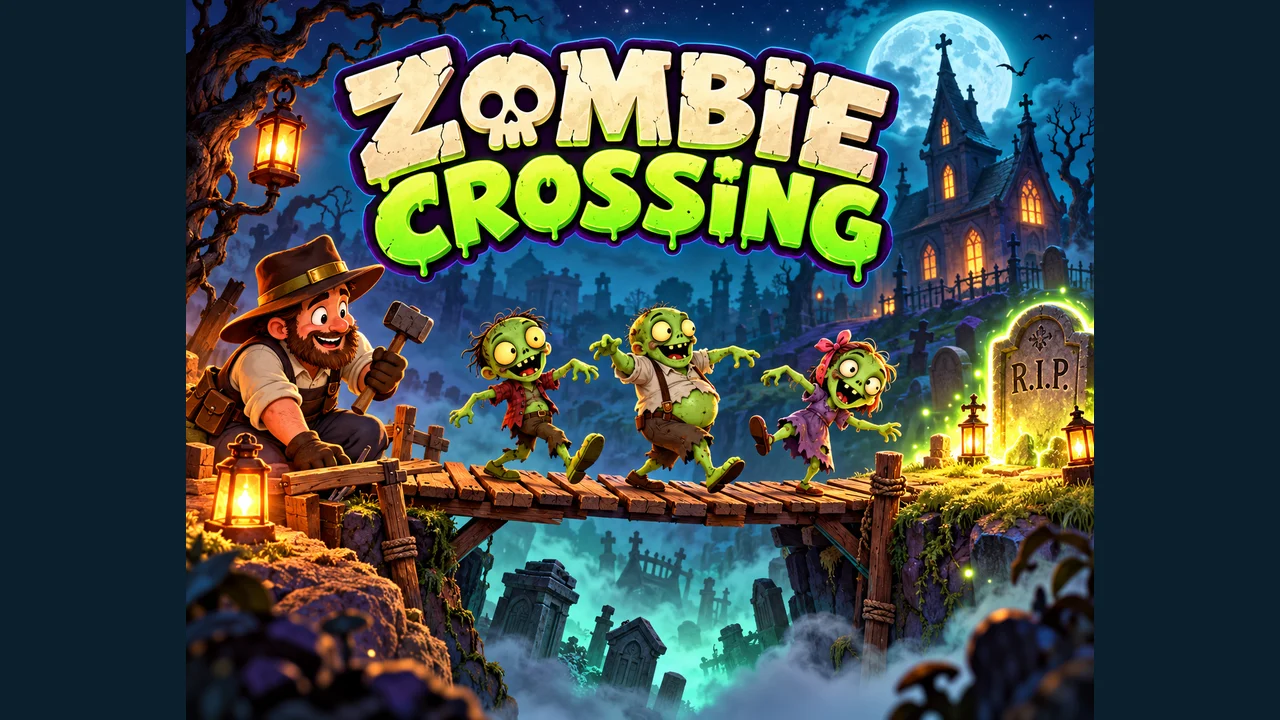
Zombie Crossing
Play on partyon.itch.io ↗Desktop keyboard and mouse required. Fullscreen recommended. Opens on partyon.itch.io in a new tab. Check the setup notes below before starting.
Build bridges and ramps with a graveyard builder to guide automatically walking zombies safely back to a glowing tombstone.
Move a separate builder around the graveyard and construct a route for zombies that walk automatically. Bridge gaps, handle changes in height and lead the crew to the glowing tombstone. Building is limited by your timber and how close the builder stands to the placement.
Night 1 begins with one zombie, 18 timber and a short gap. A bridge costs three timber. The crew arrives after a preparation countdown, or you can release it early with Enter. Read the required rescue count before speeding up the action.
Party On describes GPT-assisted development. The proportion of AI-written code and the engine are unconfirmed, so this entry uses the independent-game category. Official promotional artwork is used with Party On’s permission and credit; it is not a gameplay screenshot.
Made by Party On.
Open the official itch.io page and choose Run game for free HTML5 play, without a game account or download. Use a desktop keyboard and mouse; fullscreen makes the toolbar easier to read. The publisher’s page mentions touch buttons, but its subsequent clarification says the current version lacks mobile controls. Phone play is not verified.
| A / D or ← / → | Move the builder |
|---|---|
| Space | Jump |
| 1–8 / toolbar | Choose a construction tool; later tools unlock through progress |
| Left click nearby / E | Build at the pointer / build ahead or use a nearby lever |
| Drag a structure | Reposition it |
| Select + Delete / right click | Remove the selected structure / empty hands |
| Enter / P | Release zombies / pause |
Walk near the first gap before placing a bridge. Span both edges with some overlap so a zombie can step onto it and off again. The reviewed placement reduced timber from 18 to 15. The zombie crossed safely, completing Night 1 with 1/1 rescued and 150 total points. Building from too far away is not a substitute for moving the builder.
Use P to stop the simulation while inspecting the route. Keep the initial speed at 1× when testing a new construction, and watch the landing rather than assuming every placed piece is reachable. If a plan fails, move or delete structures and use Restart night from the pause menu to retry. Later tools, avatars and the advertised endless progression were not exhaustively reviewed.
Use Play on partyon.itch.io to open the official project page, then choose Run game. The directory provides the guide and credited artwork; itch.io hosts the game and currently prevents external player embedding.
The creator corrected its original phone-support claim: the reviewed version requires a desktop keyboard and mouse and has no supported touch controls. A planned mobile update is not treated as released.
No. You move the builder and construct their route. Zombies walk automatically; the game also offers jobs such as blockers and stair-builders.
Before you play: Cartoon undead, graveyard imagery and comic explosions. Progress and high scores use browser storage where supported; do not assume saves transfer to another browser. The creator permits embedding, but itch.io’s player currently blocks loading on other sites, so Zadely links to the official project.
Sources: partyon.itch.io. Last checked .
Gather resources, craft equipment and build defenses around a keep while monster waves arrive through the fog.
Keep four numbers in order and choose three operators to reach the target, calculating strictly from left to right.
Switch a moth between two circular tracks to catch gold sparks, avoid pink thorns and keep a lantern alive until dawn.
Guess a five-letter Arabic word in six attempts, using colored letter feedback and an on-screen Arabic keyboard.